
AI Tool Reviewers
You need review visuals that feel sharper than generic app screenshots.
Generate a dramatic AI interface scene with a clear emotional hook.
Built for software, AI tool, and coding creators
Generate 16:9 thumbnail visual directions with a clear title area, creator focus, and software product cues; add final text in your editor.
Describe your thumbnail idea
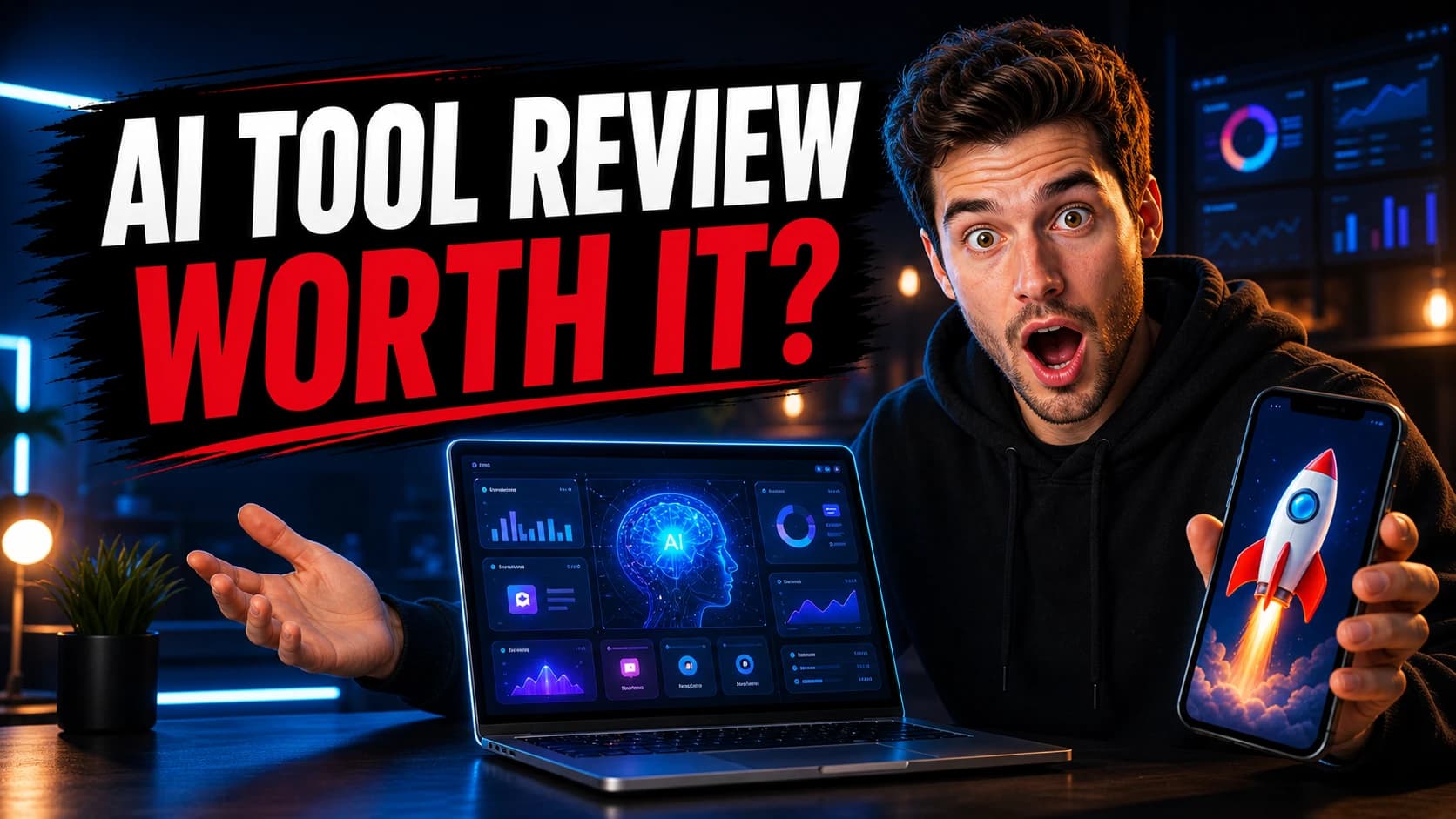
Create a high-click-through YouTube thumbnail in 16:9 aspect ratio. Scene: a dramatic AI tool review thumbnail for tech creators. Dark cinematic studio background, neon blue and warm orange lighting, modern creator desk setup. Composition: - Left side takes about 55% of the image: a large black rough brush-stroke banner area with space for final title text added in an editor. - Keep the banner free of letters, numbers, logos, and watermark text; use a high-contrast white and red accent shape instead. - Add a red underline / slash accent beneath the empty title area. - Right side: a young male tech creator wearing a black hoodie, surprised expression, wide eyes, open mouth, looking directly at the camera. - He is holding a smartphone in one hand, showing a rocket launching on the phone screen. - His other hand is open, gesturing toward a laptop on the desk. - Center bottom: an open laptop with a futuristic AI dashboard on screen, glowing blue interface, AI brain icon, charts, graphs, analytics panels. - Background: blurred monitors with charts and dashboard UI, subtle bokeh lights, professional tech review studio atmosphere. Style: ultra sharp, realistic commercial photography, cinematic lighting, high contrast, vibrant red and blue color grading, dramatic rim light, glossy reflections, professional YouTube thumbnail design, energetic, polished, eye-catching, premium tech creator aesthetic. Camera: wide-angle medium shot, subject on the right, strong depth of field, crisp face, clean layout, empty title area, no clutter, no readable text. Aspect ratio 16:9.
Aspect Ratio
16:9
Style
Cinematic
Lighting
Dramatic

Who this is for
You need review visuals that feel sharper than generic app screenshots.
Generate a dramatic AI interface scene with a clear emotional hook.
Your product walkthrough needs a thumbnail before the final edit exists.
Create a clean draft visual around one software screen or workflow.
Code screens alone often look too flat in search and suggested videos.
Use lighting, depth, and a developer workspace to make the topic readable.
Workflow videos need a visual promise without cluttering the thumbnail.
Turn tasks, calendars, and dashboards into a simple high-contrast concept.
Prompt templates
Use these prompts as draft directions. Each prompt reserves a clean title area so you can add final text in your editor after choosing a visual direction.
AI tool reviews
A dramatic concept for reviews, comparisons, and new AI app launches.
Create a high-click-through YouTube thumbnail in 16:9 aspect ratio. Scene: a dramatic AI tool review thumbnail for tech creators. Dark cinematic studio background, neon blue and warm orange lighting, modern creator desk setup. Composition: - Left side takes about 55% of the image: a large black rough brush-stroke banner area with space for final title text added in an editor. - Keep the banner free of letters, numbers, logos, and watermark text; use a high-contrast white and red accent shape instead. - Add a red underline / slash accent beneath the empty title area. - Right side: a young male tech creator wearing a black hoodie, surprised expression, wide eyes, open mouth, looking directly at the camera. - He is holding a smartphone in one hand, showing a rocket launching on the phone screen. - His other hand is open, gesturing toward a laptop on the desk. - Center bottom: an open laptop with a futuristic AI dashboard on screen, glowing blue interface, AI brain icon, charts, graphs, analytics panels. - Background: blurred monitors with charts and dashboard UI, subtle bokeh lights, professional tech review studio atmosphere. Style: ultra sharp, realistic commercial photography, cinematic lighting, high contrast, vibrant red and blue color grading, dramatic rim light, glossy reflections, professional YouTube thumbnail design, energetic, polished, eye-catching, premium tech creator aesthetic. Camera: wide-angle medium shot, subject on the right, strong depth of field, crisp face, clean layout, empty title area, no clutter, no readable text. Aspect ratio 16:9.
Best for: ChatGPT tools, AI app reviews, SaaS comparisons
Software demos
A clean software walkthrough visual with one clear product focal point.
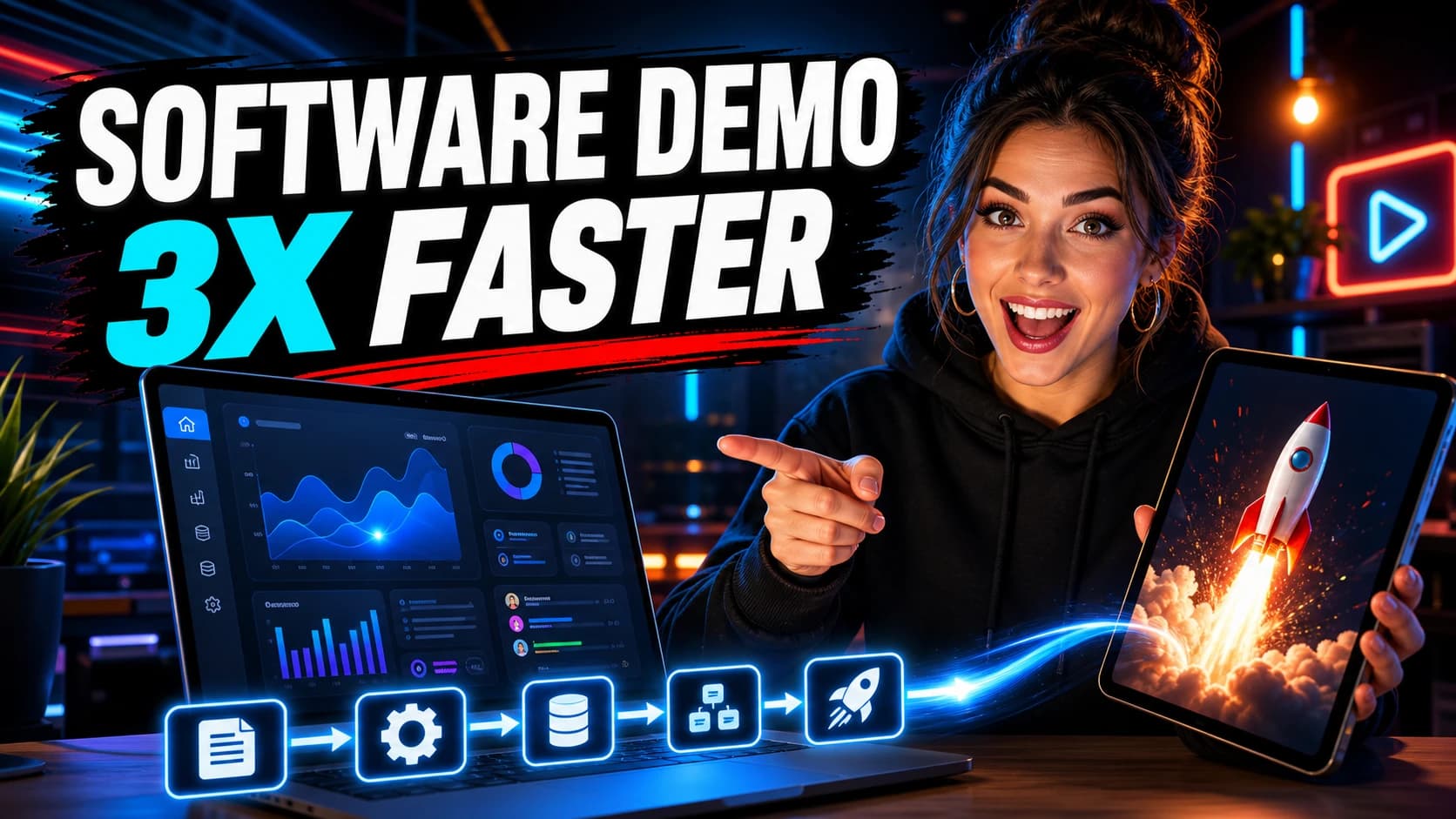
Create a high-click-through 16:9 YouTube thumbnail visual direction for a software demo video. Leave a large clean black brush-stroke area on the left for final title text added in an editor; use white and cyan accent shapes plus a red underline, but no letters, numbers, logos, or watermark text. Show an original energetic female software creator on the right, smiling and pointing at a laptop screen while holding a tablet with a rocket launch graphic. Include a neon studio desk, clean abstract SaaS dashboard, automation flow icons, charts, glowing cursor path, dramatic cyan key light, amber backlight, vibrant professional tech creator style. No readable text, no real brand marks, 16:9.
Best for: Feature demos, launch videos, onboarding tutorials
Coding tutorials
A focused developer scene for tutorials, builds, and code walkthroughs.
Create a high-click-through 16:9 YouTube thumbnail visual direction for a coding tutorial and vibe coding video. Leave a large clean black brush-stroke area on the left for final title text added in an editor; use white, cyan, and red accent shapes, but no letters, numbers, logos, or watermark text. Show an original excited developer host in a dark hoodie on the right, pointing toward a bright app preview and a small rocket launch graphic. Include futuristic coding studio monitors, code editor panels, AI assistant chat panels, app preview screens, glowing deployment pipeline icons along the bottom, electric blue and cyan monitor glow, warm amber edge lights, dramatic premium tech creator style. No readable text, no real brand marks, no celebrity likeness, 16:9.
Best for: Coding tutorials, AI coding tools, developer workflows
Vibe coding
A high-energy visual direction for AI-assisted app-building videos.
A creator building an app with AI coding tools, laptop screen showing abstract code blocks and AI assistant panels, futuristic workspace, energetic glow, dramatic contrast, modern YouTube thumbnail style, space for title text, no readable text, no watermark, 16:9
Best for: Vibe coding builds, app demos, AI coding assistants
Productivity videos
A polished workspace visual for app reviews and workflow videos.
A polished YouTube thumbnail background for a productivity app review, floating task cards and calendar UI shapes, laptop on clean desk, premium startup aesthetic, bright contrast, clear focal point, space for headline text, no readable text, no watermark, 16:9
Best for: Productivity apps, workflow reviews, planning tutorials
Workflow videos
A contrast-based concept for transformation, speed, and productivity hooks.
A split-screen YouTube thumbnail background showing messy workflow on the left and clean AI-powered workflow on the right, modern desk setup, high contrast lighting, clear visual comparison, empty area for title text, no readable text, no watermark, 16:9
Best for: Before/after workflows, automation videos, AI productivity
Recommended settings
Vinci AI can create strong draft visuals for software and AI creator videos. For exact typography, generate the visual direction first and add final title text manually.
Aspect ratio
Best default for long-form YouTube thumbnail drafts.
Best styles
Use cinematic for drama, photographic for software demos.
Lighting
Higher contrast makes the subject easier to read at small sizes.
Composition
Generate the visual direction first, then add final text manually.
Example thumbnail ideas
Each example uses a clear visual structure: a title area reserved for an editor, expressive creator focus, a product cue, and strong color contrast.
A high-contrast review thumbnail visual with a presenter reaction, rocket app cue, and title area reserved for an editor.
A fast-paced software demo visual with dashboard cues and space for a final title added in an editor.
A coding tutorial visual with AI workflow icons, an app launch moment, and room for a final title.
Better results
Start with the video topic and one visual subject.
Use 16:9 for long-form YouTube thumbnail drafts.
Choose one emotional angle: surprise, contrast, speed, or clarity.
Ask for open space where you can add final title text later.
Avoid tiny readable text inside the AI prompt.
Generate several directions before choosing one to refine.
FAQ
Yes. Vinci AI can help create thumbnail concepts and draft visuals for YouTube videos, especially AI tool reviews, software demos, coding tutorials, and productivity videos.
Use a 16:9 layout for most YouTube thumbnail concepts. Vinci AI includes a 16:9 aspect ratio option that works well for thumbnail drafts and backgrounds.
Vinci AI can generate visual thumbnail drafts, but AI-generated text may not always be perfectly readable. For best results, generate the visual concept first and add final title text in your editor.
Prompts with one clear subject, visible software UI, dramatic lighting, negative space for text, and a strong emotional hook usually work best.
Yes. Use prompts that include coding screens, a developer workspace, tutorial context, high contrast lighting, and a simple 16:9 composition.
Continue exploring
Browse related visual examples or return to the full set of Vinci AI use cases before choosing your next prompt.
Use your free credits to test thumbnail ideas, explore prompt templates, and generate 16:9 visuals for software, AI tool, and coding videos.