Tutorial creators
A busy screen recording behind your title makes every thumbnail look like noise.
Generate calm, low-contrast backdrops that push attention to the title.
For YouTube creators and faceless channels
Describe the mood, keep the title zone empty, and generate 16:9 background concepts for your next thumbnail. Vinci AI creates the backdrop—drop in your title text in any editor afterwards.
Start with this visual direction
Clean YouTube thumbnail background concept, soft studio gradient from deep teal to charcoal, subtle vignette, completely empty smooth space on the left third for title text, low contrast, no objects, no text, no watermark, 16:9
Free downloads include a watermark. Images generated after a Creator Pack purchase are available without a watermark. Existing free images keep their watermark. Buying credits does not remove watermarks from earlier images. Prompt wording such as “no watermark” does not change this rule.
Check free trial credits, the current allowance, and model costs · Commercial-use conditions


Describe one focal point and reserve a calm title area. Vinci AI currently accepts text prompts; it cannot upload your own face, product screenshot, or other reference image.
Download the draft, then use an editor to add an accurate headline and any face cutout or screenshot you have permission to use. AI interface details are illustrative.
Preview the finished cover at feed size. Check headline readability, cropping, subject visibility, and factual accuracy before exporting your final thumbnail.
Who this is for
A busy screen recording behind your title makes every thumbnail look like noise.
Generate calm, low-contrast backdrops that push attention to the title.
Screenshot backgrounds fight your face cam, your title, and each other.
Get neon energy at the edges with a dark, readable center for text.
Flat white backgrounds make a review thumbnail feel like a spreadsheet.
Draft bright desk scenes with depth, then drop in your product and title.
With no face in frame, the background has to carry the whole click.
Iterate on mood-heavy concepts until one matches the video's promise.
Prompt templates
Each prompt is built around one rule: the title zone stays calm. Start from a template, then adjust mood, light, and color to match your video.
Minimal background
A low-contrast studio gradient that leaves the left third empty for title text.
Clean YouTube thumbnail background concept, soft studio gradient from deep teal to charcoal, subtle vignette, completely empty smooth space on the left third for title text, low contrast, no objects, no text, no watermark, 16:9
Best for: Tool reviews, talking-head videos, serious explainer tone
Tutorial background
A moody developer desk scene with code-lit bokeh kept out of the title zone.
YouTube thumbnail background concept of a moody developer desk at night, blurred monitor glow and code bokeh in the lower right, warm desk lamp light, dark calm space across the upper left for a title, shallow depth of field, no readable text, no watermark, 16:9
Best for: Coding tutorials, dev tool reviews, programming channels
Gaming background
Neon energy pushed to the frame edges so a bold title stays readable in the middle.
YouTube thumbnail background concept, dark gaming room lit by magenta and cyan neon strips along the edges, subtle smoke, central area kept dark and empty for large title text, high energy composition, no readable text, no watermark, 16:9
Best for: Gaming videos, highlight reels, energetic channels
Review background
A bright wooden desk scene with props blurred and the title zone kept clean.
YouTube thumbnail background concept of a bright wooden desk with softly blurred gadgets and plants at the edges, clean airy space in the center left for title text, natural window light, lifestyle photography style, no readable text, no watermark, 16:9
Best for: Product reviews, unboxings, tech recommendations
Abstract background
Colorful abstract shapes framing an empty center for faceless-channel titles.
YouTube thumbnail background concept, playful abstract 3D geometric shapes in coral, cobalt and cream clustered along the frame edges, clean empty center with soft light, modern low-poly render, no readable text, no watermark, 16:9
Best for: Faceless channels, listicles, educational content
High-contrast background
A bright sky-to-ground split that keeps the top strip free for text.
YouTube thumbnail background concept, vivid blue sky with dramatic clouds occupying the upper half, clean muted ground plane below, horizon line low in the frame, top area kept simple for title text, vibrant color grade, no text, no watermark, 16:9
Best for: Vlogs, challenge videos, bright thumbnail styles
Aspect ratio
Choose a 16:9 composition, then check the downloaded pixel dimensions and export the finished cover at the size your publishing workflow requires.
Best styles
Cinematic for mood, photographic for desk scenes, 3D for abstract shapes.
Composition
Say where the text goes ('empty upper left') before describing anything else.
Contrast
The background loses to the title on purpose—detail belongs at the edges.
Examples and ideas
These illustrative gallery assets show mood and depth. They are not exact outputs of the related background prompts and may need cropping or a different composition for your title.
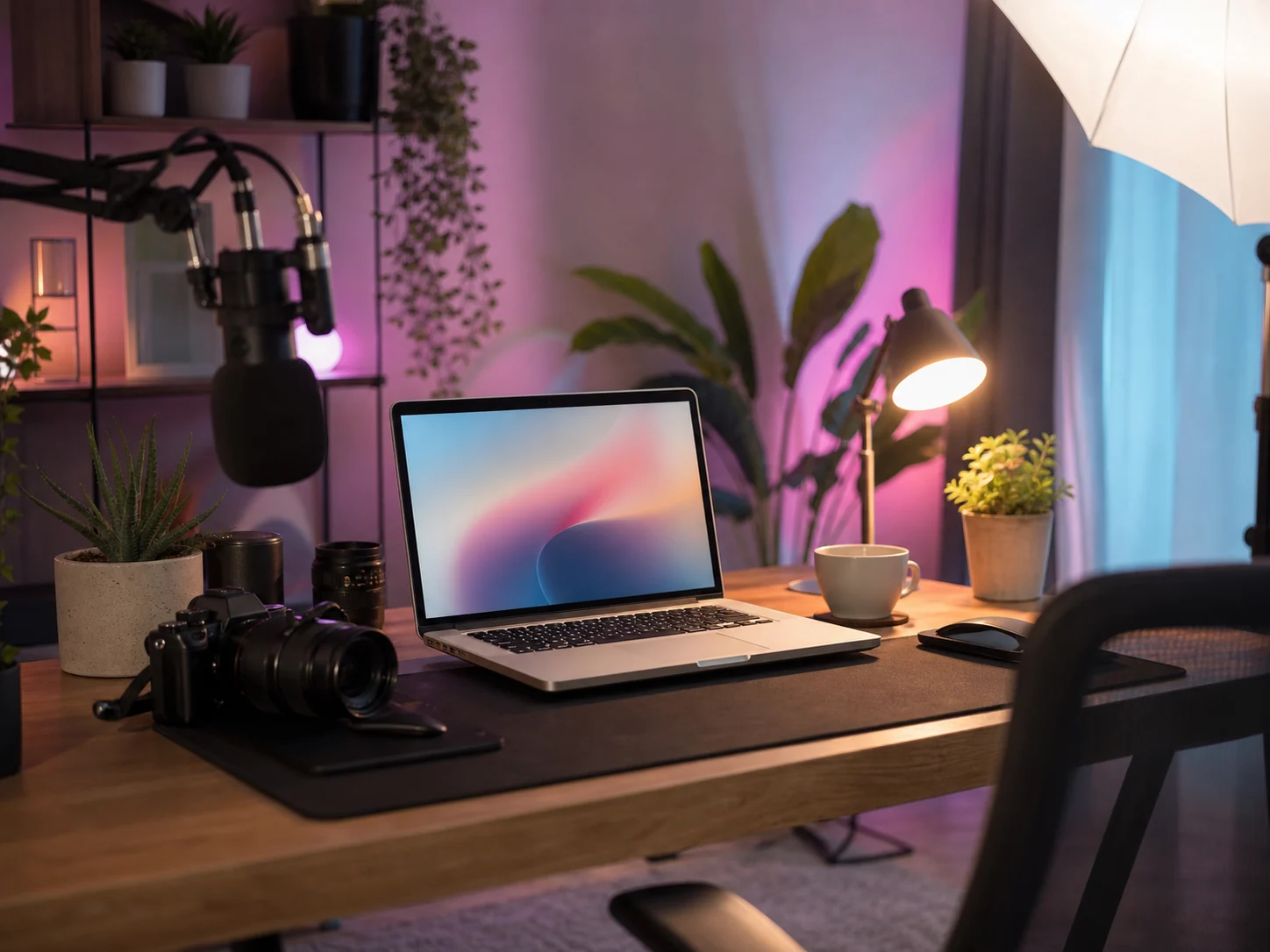
A workspace illustration for light and color inspiration. Check where your title can sit before choosing a final background.
Illustrative example
A site-library illustration, not a verified output of the related prompt. Published file: 1448 × 1086 px, WebP.
Added to the site library on 2026-06-10. This is a library date, not a verified generation date. File dimensions do not establish native model resolution.
Exact generation input, model, settings, generation date, runtime, credit cost, and manual edits are not recorded in a verifiable generation log for this asset.
Related prompt for inspiration
A cozy creator desk setup with pastel lights, camera gear, laptop, plants, soft studio lighting, calm productive atmosphere
Template: Product Review Desk
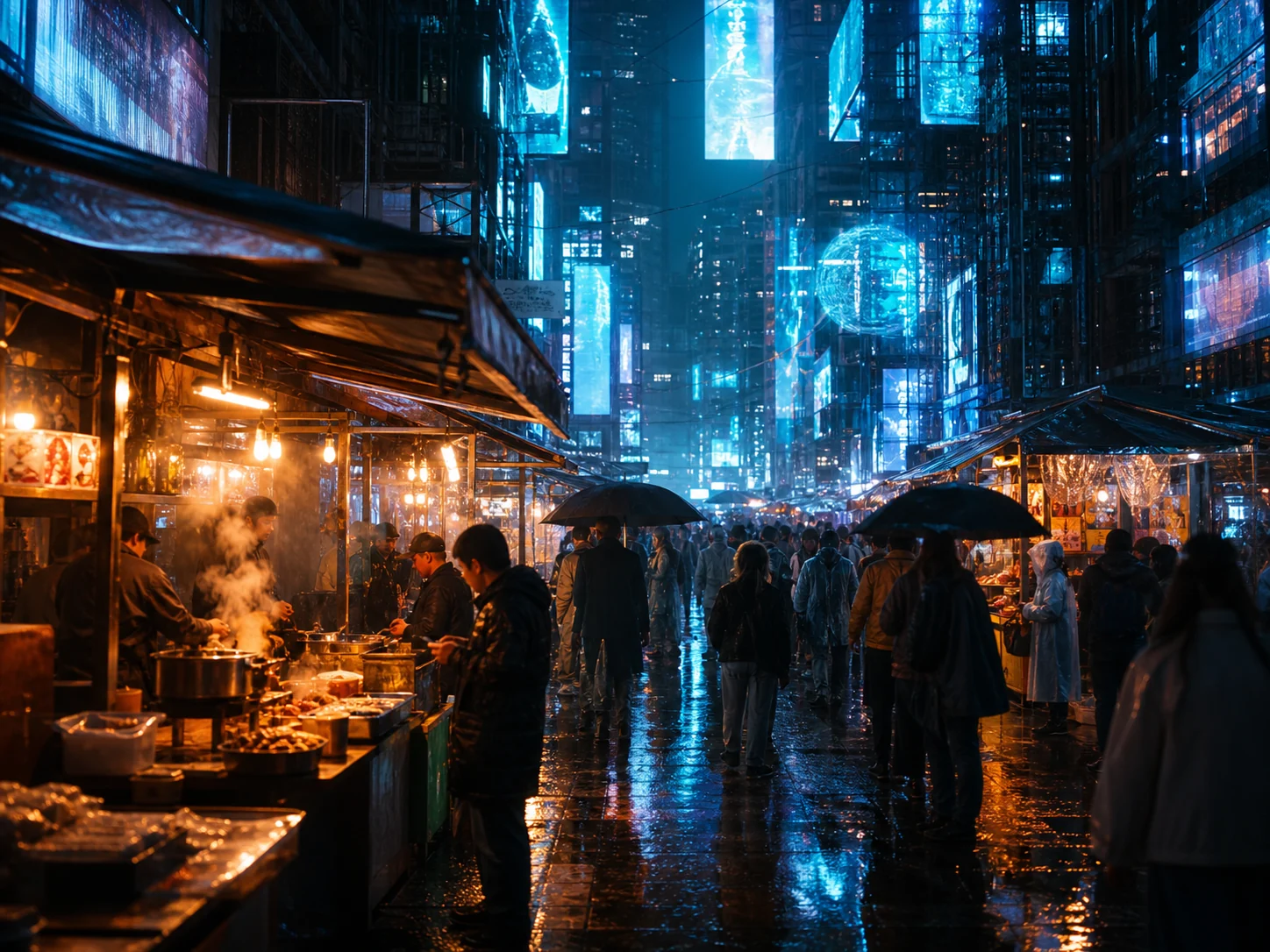
A detailed neon market illustration for color inspiration. It does not demonstrate the empty center requested by the related gaming prompt.
Illustrative example
A site-library illustration, not a verified output of the related prompt. Published file: 1448 × 1086 px, WebP.
Added to the site library on 2026-06-10. This is a library date, not a verified generation date. File dimensions do not establish native model resolution.
Exact generation input, model, settings, generation date, runtime, credit cost, and manual edits are not recorded in a verifiable generation log for this asset.
Related prompt for inspiration
A cyberpunk night market with warm food stalls, blue holographic light, wet pavement and rain reflections, cinematic street photography atmosphere
Template: Gaming Setup Neon
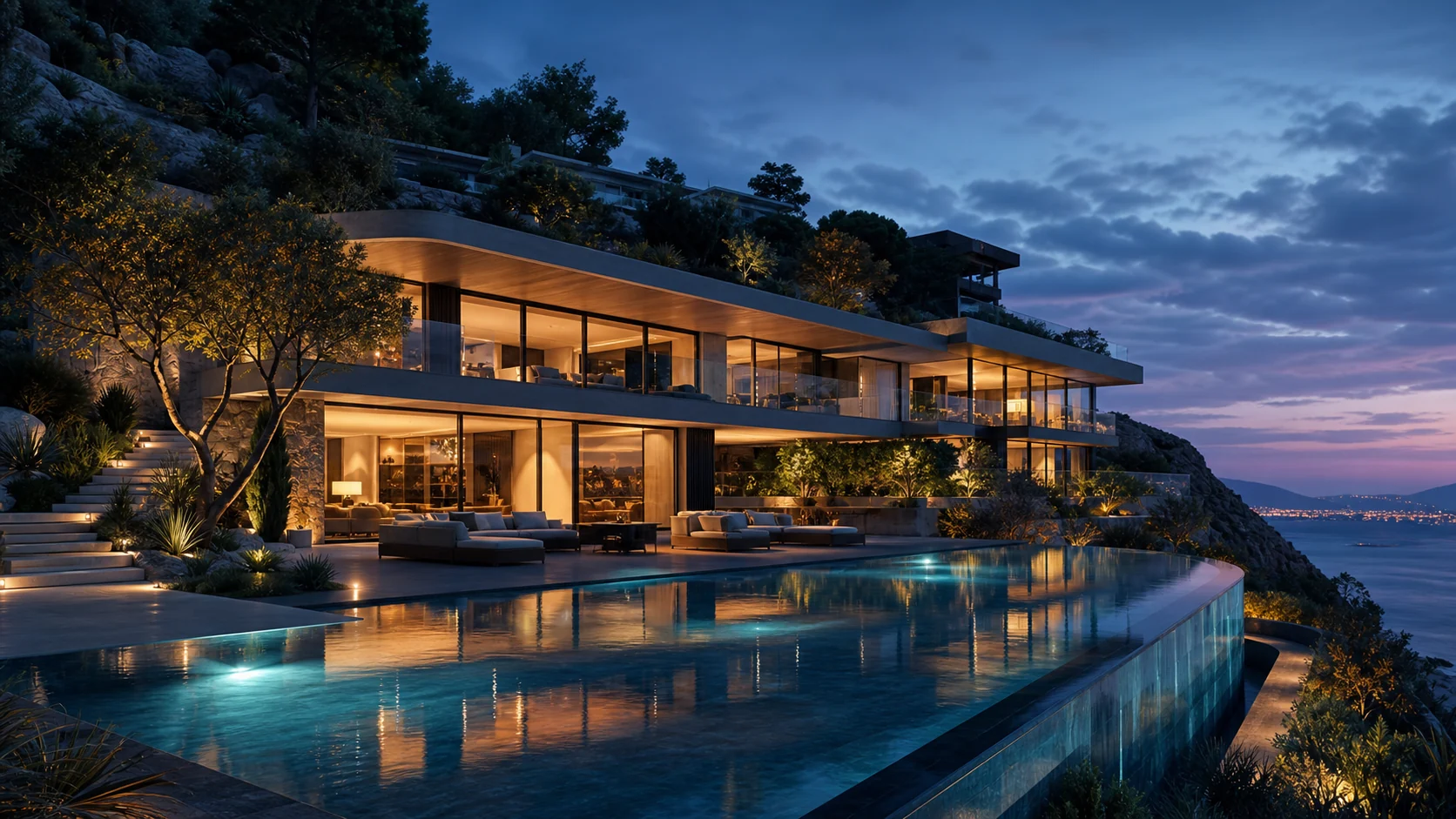
A low-contrast render direction for serious explainer thumbnails.
Illustrative example
A site-library illustration, not a verified output of the related prompt. Published file: 1672 × 941 px, WebP.
Added to the site library on 2026-06-10. This is a library date, not a verified generation date. File dimensions do not establish native model resolution.
Exact generation input, model, settings, generation date, runtime, credit cost, and manual edits are not recorded in a verifiable generation log for this asset.
Related prompt for inspiration
A modern hillside home at dusk with warm interior light, reflective infinity pool, glass walls, refined landscaping, dreamy architectural visualization
Template: Clean Studio Gradient
Better results
Decide where the title goes before generating—say 'empty space on the left third' in the prompt.
Keep contrast low behind the text zone: 'dark and calm upper left' beats 'cool background'.
Name the mood twice: once for lighting ('neon edge light'), once for energy ('calm center').
Blur edge props with 'shallow depth of field' so they never compete with your text.
Generate 3-4 variations of one prompt and compare them with real title text placed on top.
Backgrounds are visual drafts—when you need full subject composition too, pair them with the complete thumbnail direction workflow.
FAQ
Free trial credits are available, and free downloads include a watermark. See Pricing for the current anonymous and signed-in allowances, model costs, and one-time credit pack.
No. This page generates the background only. Generated text is unreliable—add your title in Canva, Photoshop, or any editor after downloading.
Use a 16:9 composition for a standard video thumbnail. Aspect ratio is not a guaranteed pixel size; check the downloaded file dimensions before resizing and exporting in your editor.
Describe an empty, low-contrast zone for the text—'dark calm space in the upper left'—and keep detail at the edges with shallow depth of field.
Yes. The neon template puts magenta and cyan energy at the frame edges and keeps the middle dark and empty for a bold title.
No. Vinci AI currently generates from text and does not support face, screenshot, or reference-image uploads. Add your own permitted assets in an external editor after generating the background.
Free downloads include a watermark. Images generated after a Creator Pack purchase are available without a watermark. Existing free images keep their watermark. Buying credits does not remove watermarks from earlier images. See Pricing for current free allowances and model costs.
Shorts use vertical 9:16. Use the wallpaper generator with a 9:16 aspect ratio instead, keeping the top area calm for the Shorts title.
Start with free trial credits to explore a background direction. Check Pricing for the current allowance and model costs before generating variations.
Copy a prompt template
Generate a concept
Refine the final asset
Related directions