Indie devs and game jams
You need an enemy, an item set, or a corridor background before anyone has drawn one.
Generate placeholder concepts and use them to brief an artist.
For game jams, pixel avatars, and retro posts
Describe a character, an item set, or a dungeon corridor, pick the Pixel Art style, and get a pixel-styled concept image. Vinci AI produces visual drafts to react to — it is not a sprite editor, and it will not hand you a pixel-perfect 16×16 grid. For that part, see the honest limits below.
Start with this visual direction
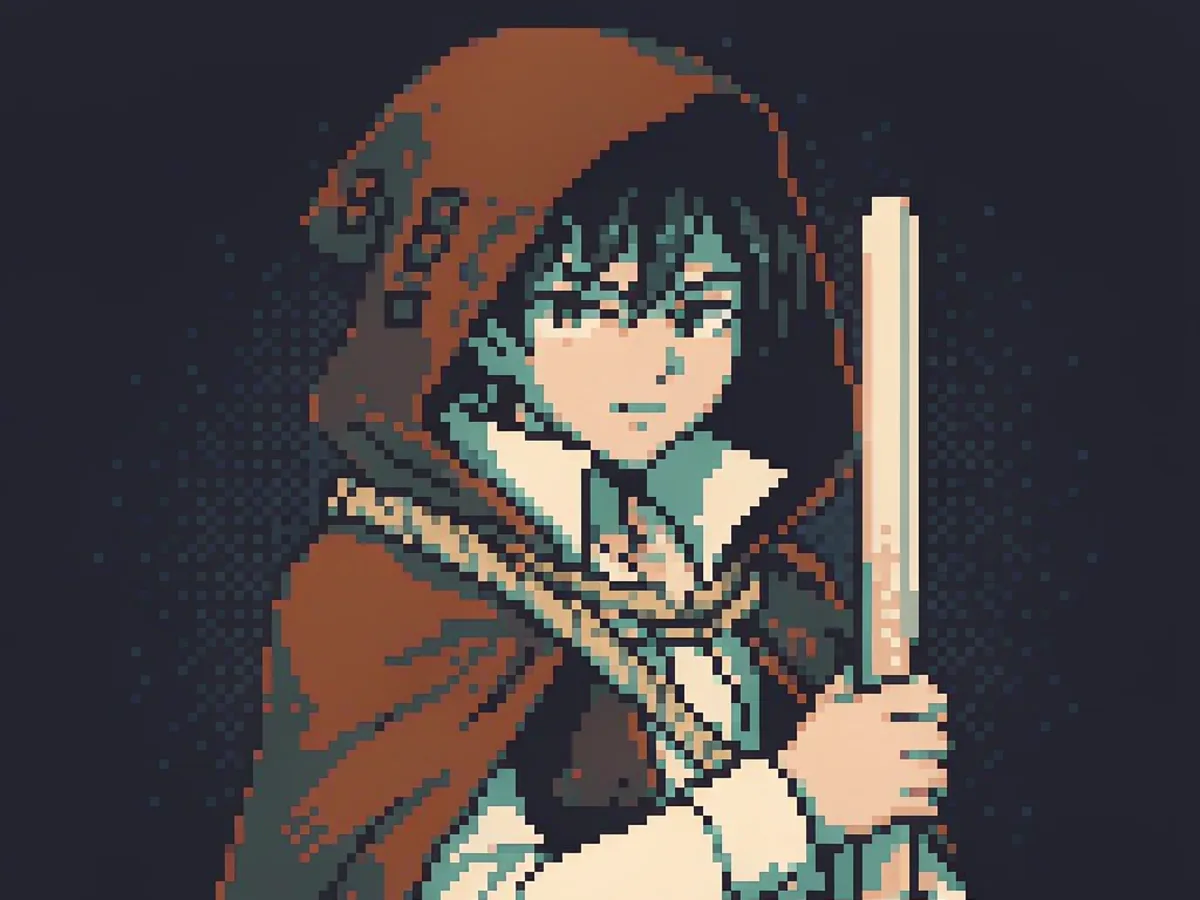
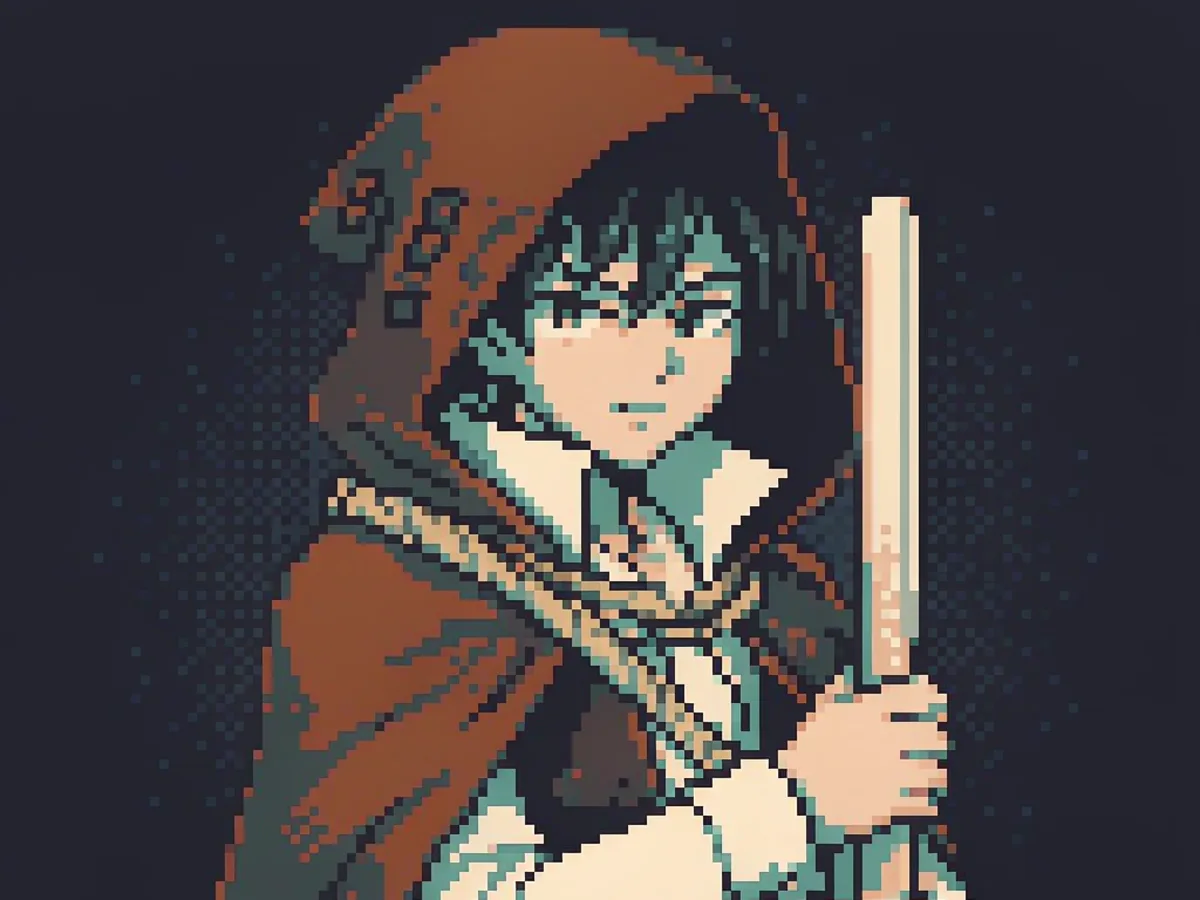
16-bit pixel art character portrait of an original hooded forest ranger, bust shot, limited 12-color palette of teal, rust, deep brown and cream, chunky visible pixels, hard edges, no anti-aliasing, no gradients, flat cel shading, dark navy background, retro SNES dialogue portrait, no text, no letters, no watermark, 1:1
Free downloads include a watermark. Images generated after a Creator Pack purchase are available without a watermark. Existing free images keep their watermark. Buying credits does not remove watermarks from earlier images. Prompt wording such as “no watermark” does not change this rule.
Check free trial credits, the current allowance, and model costs · Commercial-use conditions
Who this is for
You need an enemy, an item set, or a corridor background before anyone has drawn one.
Generate placeholder concepts and use them to brief an artist.
Pixel avatars online are the same handful of shared sprites everyone already uses.
Describe your own character and palette, then regenerate until the bust reads clearly.
An 8-bit look is easy to want and slow to assemble across overlays, posts, and covers.
Draft matching pixel backdrops and badges from one palette description.
Explaining palette limits and pixel scale is abstract until students see a concrete example.
Generate the same idea in two palettes and compare how much the read changes.
Prompt templates
Each prompt names a palette size and asks for hard edges, because that is what keeps pixel-styled output readable. Start from a template, then change the subject, palette, and framing.
Character concept
A dialogue-portrait style character bust in a limited palette, built for avatars and dialogue boxes.
16-bit pixel art character portrait of an original hooded forest ranger, bust shot, limited 12-color palette of teal, rust, deep brown and cream, chunky visible pixels, hard edges, no anti-aliasing, no gradients, flat cel shading, dark navy background, retro SNES dialogue portrait, no text, no letters, no watermark, 1:1
Best for: Avatar art, RPG dialogue portraits, character moodboards
Environment concept
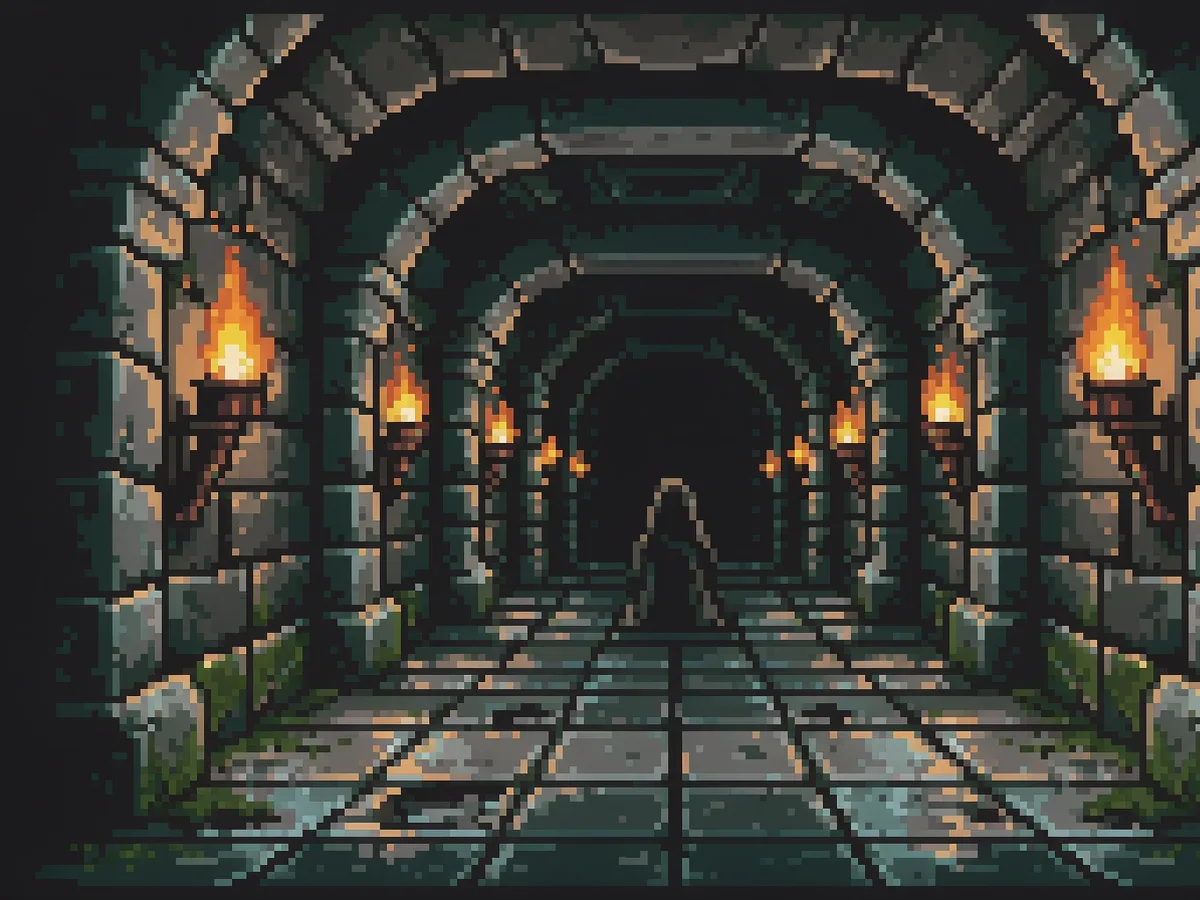
A side-scrolling era dungeon corridor with two-tone torchlight and a small hero silhouette.
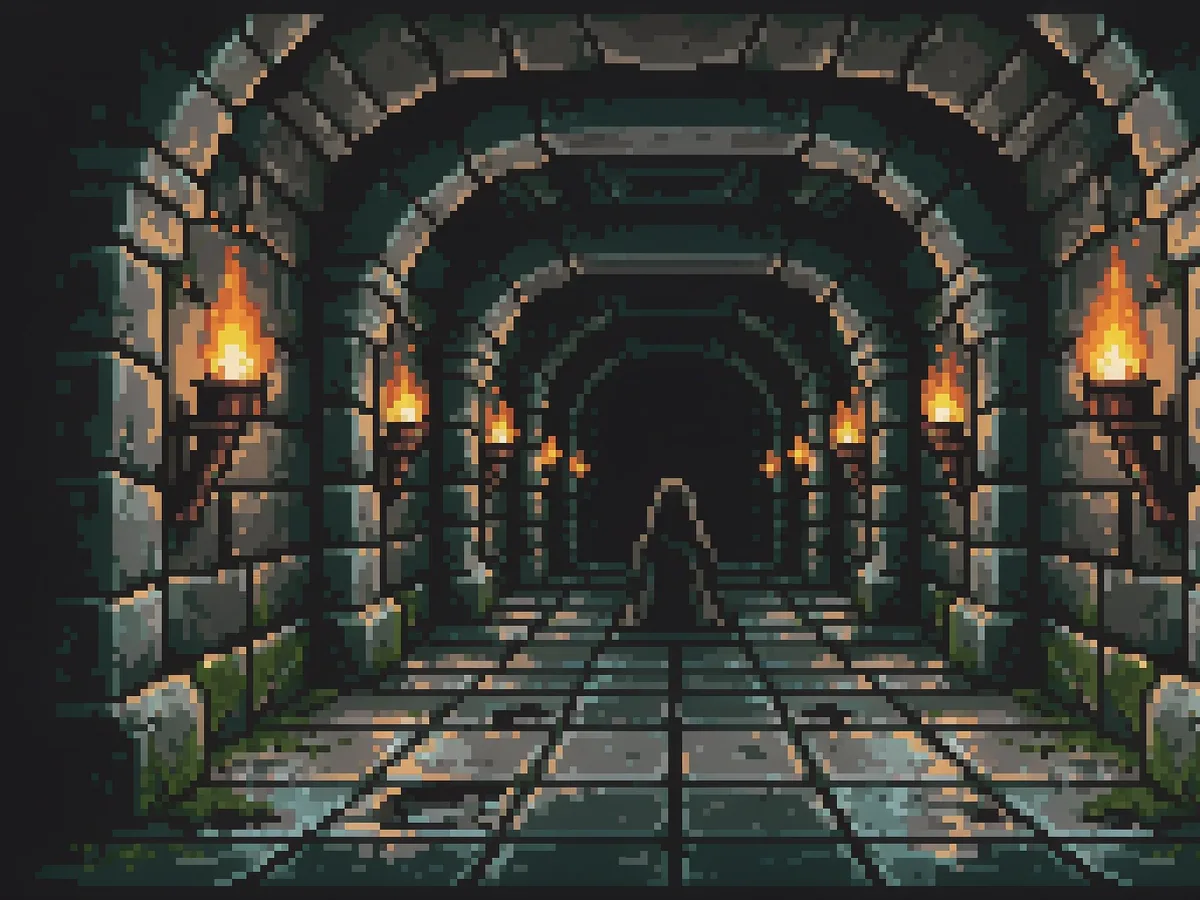
16-bit pixel art scene of a torch-lit stone dungeon corridor, limited 16-color palette of deep cyan, amber torchlight, stone grey and black, chunky pixels, hard edges, no anti-aliasing, flat lighting bands, small hooded sprite silhouette at the corridor center, retro SNES game background, no text, no watermark, 16:9
Best for: Game backgrounds, level moodboards, game-jam key art
Item concept
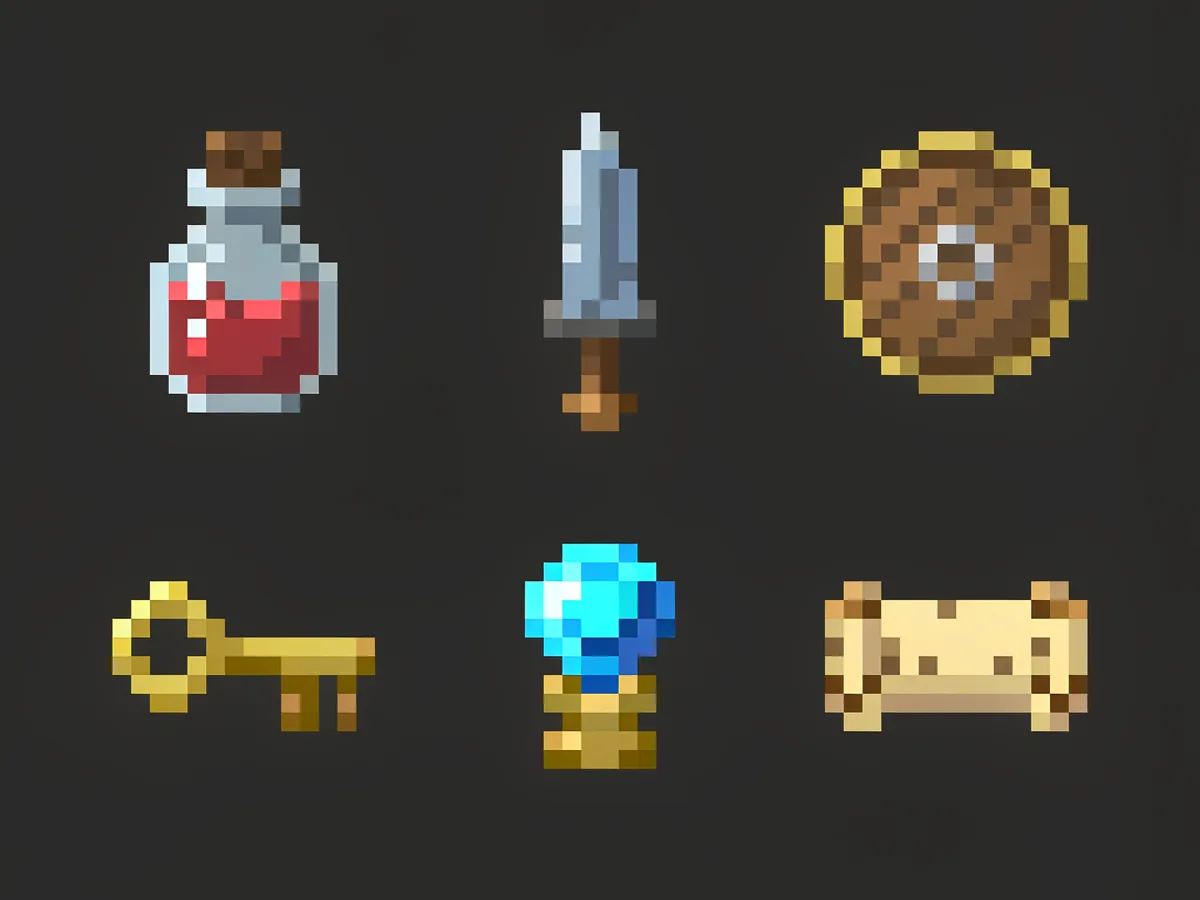
Six inventory-table style items on one sheet so a palette and scale can be compared at a glance.
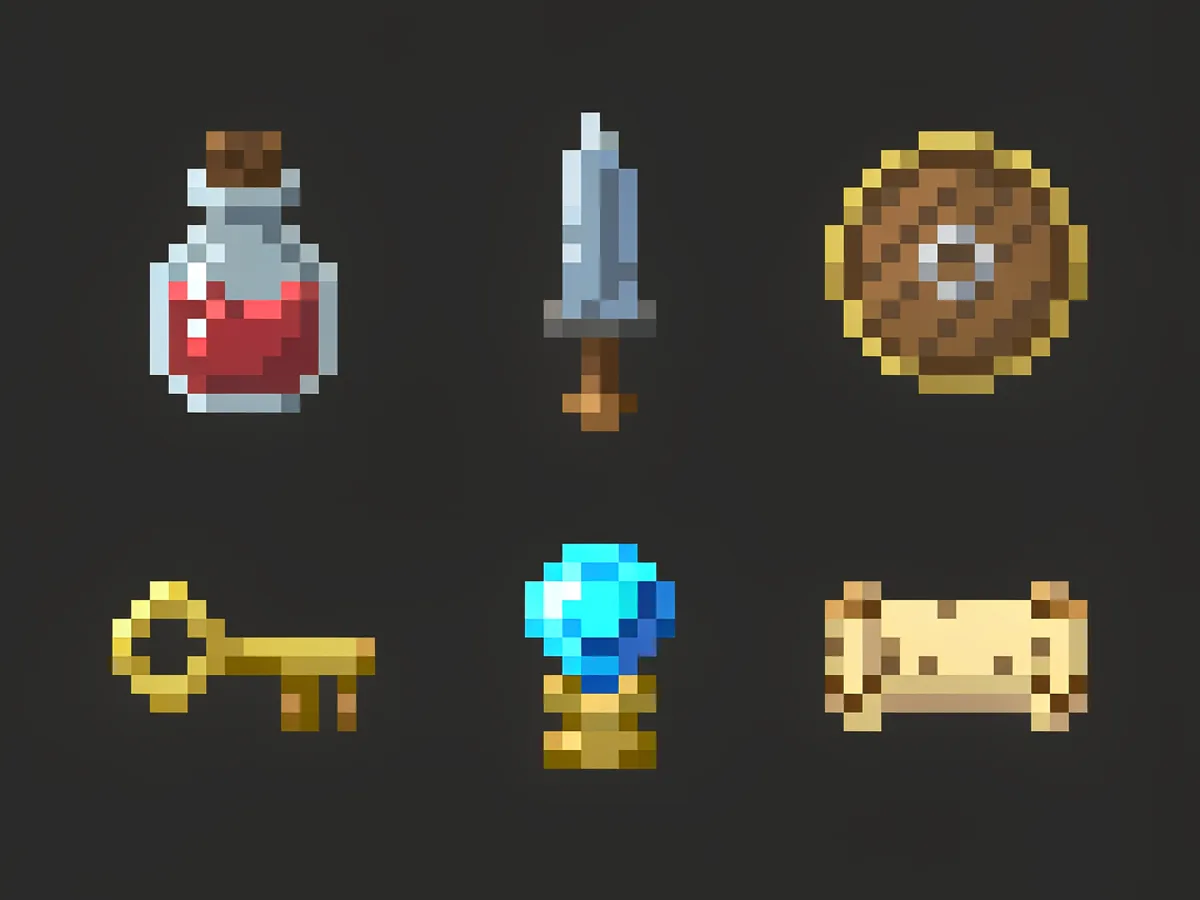
pixel art icon sheet of six fantasy game items, a potion bottle, a short sword, a round shield, a brass key, a blue gem and a rolled scroll, evenly spaced in a grid on a dark charcoal background, 16-bit style, limited 16-color palette, chunky pixels, hard edges, no anti-aliasing, flat cel shading, no text, no labels, no watermark, 1:1
Best for: Inventory concepts, item ideas, art direction tests
Brand concept
A chunky pixel symbol for a small studio, indie project, or game-jam team badge.
original pixel art logo concept for an indie game studio, a chunky pixel flame inside a rounded shield, limited 6-color palette of ember orange, cream and near black, hard pixel edges, no anti-aliasing, no gradients, centered on a plain dark background, no letters, no readable text, no existing brand marks, no watermark, 1:1
Best for: Studio badges, jam team marks, title-screen icons
Environment concept
A parallax-ready sky band with clouds and distant hills, detail pushed to the bottom edge.
pixel art side-scroller background of a dusk sky with stacked clouds over distant blue hills, limited 14-color palette of dusk purple, warm orange and deep blue, chunky pixels, hard edges, no anti-aliasing, no gradients, detail concentrated along the bottom third with simple open sky above, retro 16-bit platformer style, no text, no watermark, 16:9
Best for: Platformer backgrounds, parallax layers, title screens
Social concept
A portrait pixel scene for stories, covers, and retro-styled announcements.
pixel art scene of a lonely arcade cabinet glowing in a dark empty room at night, limited 10-color palette of neon magenta, cyan and deep charcoal, chunky pixels, hard edges, no anti-aliasing, no gradients, moody glow kept as flat bands, vertical composition with open space in the upper third, no text, no letters, no watermark, 9:16
Best for: Story posts, retro announcements, playlist covers
Aspect ratio
Portraits and icon sheets read best square; side-scroller and parallax drafts want 16:9. Stories and retro posters use 9:16.
Best style
The prompt links on this page preselect it. Add the look in the prompt text as well — models follow words more than style presets.
Palette words
Name a color count and two or three actual colors. Vague prompts drift into hundreds of colors, which stops reading as pixel art.
Edge words
Ask for flat shading and no gradients. Soft glow and blur are what make generated pixel images look like photos with a filter.
Examples and ideas
These illustrative assets show palette, scale, and mood. Their exact generation inputs are not verified, and the related templates do not guarantee a fixed palette, pixel grid, or output size.
A ranger portrait illustration for palette and character direction; an exact color count or sprite grid has not been verified.
Illustrative example
A site-library illustration, not a verified output of the related prompt. Published file: 1200 × 900 px, WebP.
Added to the site library on 2026-11-05. This is a library date, not a verified generation date. File dimensions do not establish native model resolution.
Exact generation input, model, settings, generation date, runtime, credit cost, and manual edits are not recorded in a verifiable generation log for this asset.
Related prompt for inspiration
16-bit pixel art character portrait of an original hooded forest ranger, bust shot, limited 12-color palette of teal, rust, deep brown and cream, chunky visible pixels, hard edges, no anti-aliasing, no gradients, flat cel shading, dark navy background, retro SNES dialogue portrait, no text, no letters, no watermark, 1:1
Template: Pixel Art Character Portrait
An environment illustration with amber torch bands against cyan stone; the related prompt requests a wider composition.
Illustrative example
A site-library illustration, not a verified output of the related prompt. Published file: 1200 × 900 px, WebP.
Added to the site library on 2026-11-05. This is a library date, not a verified generation date. File dimensions do not establish native model resolution.
Exact generation input, model, settings, generation date, runtime, credit cost, and manual edits are not recorded in a verifiable generation log for this asset.
Related prompt for inspiration
16-bit pixel art scene of a torch-lit stone dungeon corridor, limited 16-color palette of deep cyan, amber torchlight, stone grey and black, chunky pixels, hard edges, no anti-aliasing, flat lighting bands, small hooded sprite silhouette at the corridor center, retro SNES game background, no text, no watermark, 16:9
Template: Torch-Lit Dungeon Scene
Six inventory items on one sheet to compare palette and relative scale.
Illustrative example
A site-library illustration, not a verified output of the related prompt. Published file: 1200 × 900 px, WebP.
Added to the site library on 2026-11-05. This is a library date, not a verified generation date. File dimensions do not establish native model resolution.
Exact generation input, model, settings, generation date, runtime, credit cost, and manual edits are not recorded in a verifiable generation log for this asset.
Related prompt for inspiration
pixel art icon sheet of six fantasy game items, a potion bottle, a short sword, a round shield, a brass key, a blue gem and a rolled scroll, evenly spaced in a grid on a dark charcoal background, 16-bit style, limited 16-color palette, chunky pixels, hard edges, no anti-aliasing, flat cel shading, no text, no labels, no watermark, 1:1
Template: Pixel Item Icon Sheet
Better results
Say how many colors you want. "Limited 12-color palette of teal, rust and cream" reads far more like pixel art than "pixel art style".
Ask for hard edges explicitly: no anti-aliasing, no gradients, flat cel shading. Inspect the result closely; these prompt words do not guarantee a fixed pixel grid.
Generate the character and the background in separate prompts. Asking for both at once is where scale and palette inconsistencies appear.
Zoom in before you judge. If the edges smear at 4×, the image is a pixel-styled picture, not pixel art — regenerate rather than rescale.
Do not ask the model for an exact 16×16 or 32×32 grid. Get the idea first, then redraw or downscale it in a sprite editor with nearest-neighbor sampling.
Leave text and UI labels out of the prompt. Lettering comes out garbled; set type in an editor afterwards.
FAQ
No. Vinci AI generates pixel-styled concept images at normal resolution. The pixel grid is not locked to 16×16 or 32×32, and edges can be resampled. Use it for drafts, avatars, and moodboards, then redraw or downscale the winner in a sprite tool such as Aseprite, PixelLab, or Retro Diffusion.
Generated images are resampled, so edges pick up soft pixels, and glow or gradient words make it worse. Ask for hard edges and no anti-aliasing, generate at a larger size, and if you scale it yourself use nearest-neighbor so pixels stay square.
Not frame-accurate frames from this model. You can generate an item or icon sheet as a concept, but consistent frame-to-frame animation needs a sprite editor or a code-driven effects library. Treat the generated sheet as art direction, not as a finished atlas.
Free trial credits are available, and free downloads include a watermark. See Pricing for current allowances and model costs before comparing multiple directions.
Commercial use depends on the applicable model provider terms and the rights in your prompt and output. Check third-party copyrights, trademarks, and permissions before publishing or delivering client work. A credit purchase does not guarantee copyright ownership or trademark clearance. Avoid existing game characters, logos, and other protected designs. Redrawing an image does not by itself establish ownership or remove third-party rights.
Name the subject, the framing, the palette size and colors, and the edge treatment: "16-bit pixel art bust portrait of an original hooded ranger, limited 12-color palette of teal and rust, hard edges, no anti-aliasing, flat shading, dark background". Then iterate on one detail at a time.
Start with free trial credits to explore a palette and framing before refining the idea in a sprite editor. See Pricing for current allowances and model costs.
Copy a prompt template
Generate a concept
Refine the final asset